Text Cleaner — Free Online Tool
Clean and normalize your text: trim whitespace, collapse multiple spaces, remove empty or duplicate lines, and format each line. Perfect for preparing text for documents and code.
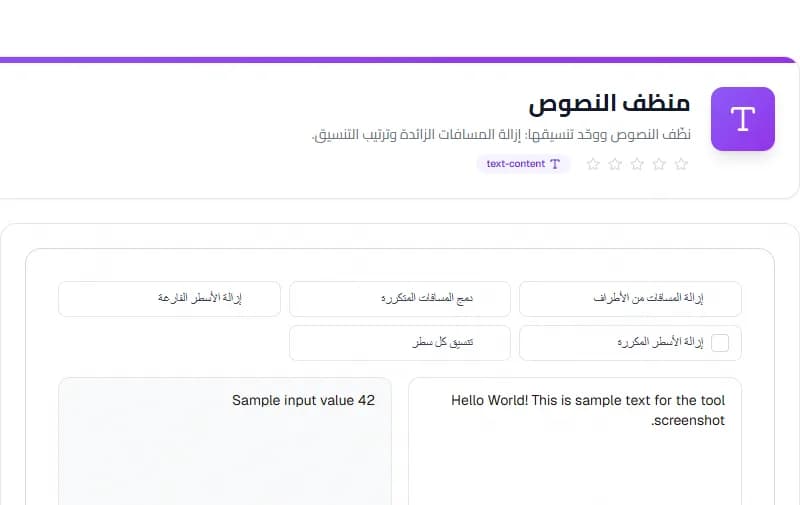
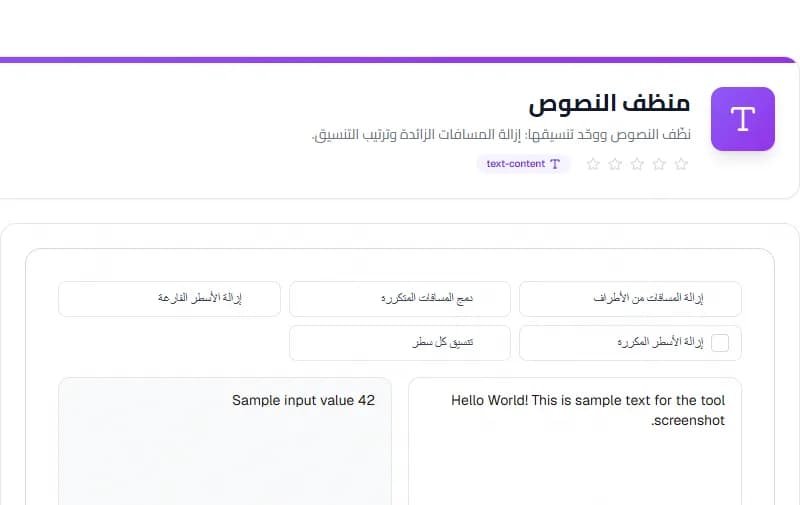
Welcome to the Text Cleaner guide — a free online tool designed to help you get things done quickly and easily, with no sign-up required.
What is Text Cleaner?
Clean and normalize your text: trim whitespace, collapse multiple spaces, remove empty or duplicate lines, and format each line. Perfect for preparing text for documents and code.
Key Features
- Trim edges of text
- Collapse multiple spaces into one
- Remove empty lines
- Remove duplicate lines
- Trim each line individually
- Live character, word, and line count
How to Use
- Paste or type your text in the input area
- Choose which cleaning options to apply
- The cleaned text appears instantly on the right
- Copy the result for use in your document or code
Useful Tips
- Great for cleaning pasted content from other sources
- Use remove duplicates for list cleaning
- Check the live stats to see how much was cleaned
Why Use This Tool?
Text Cleaner runs entirely in your browser, meaning your data stays on your device and is never sent to any server. It is 100% free, requires no sign-up, and works on all devices including mobile.
Frequently Asked Questions
Is my text sent to a server?
No. All cleaning happens locally in your browser. Your text never leaves your device.
Can I remove only duplicates?
Yes, enable just the 'Remove duplicate lines' option and disable others.
Try the Text Cleaner now — free, no sign-up, no limits, and your data stays private in your browser.
Conclusion
The Text Cleaner is a practical, free solution that handles the task quickly and accurately in your browser. Whether you are a beginner or an experienced user, it removes the guesswork and saves you time.
You can use the Text Cleaner as often as you need — there are no limits, no sign-up, and no data is ever uploaded. Simply open the tool, enter your details, and get your result in seconds.
Start using the Text Cleaner now and see how it simplifies your workflow.
Taskly Team
The Taskly team is dedicated to providing the best free online tools and educational content.
Enjoyed this article?
Subscribe to our newsletter to get the latest articles and tools as soon as they are published.
Newsletter
Get the latest tools and articles in your inbox